Turn a photo into 3D
Tencent’s open-weight Hunyuan3D-2.1, on a GPU you don’t have to rent yourself.
- Textured .glb, 4–5 MB
- About 90 seconds
- Yours, not public

Loading the mesh…
Every mesh here came out of the same pipeline a run uses · about 90 seconds · 4–5 MB .glb
Input
What works
Depth is thinnest side over longest. A ball is 1.00.
- 0.55 deep
A photo of a real object
Shading and perspective say how deep it is.
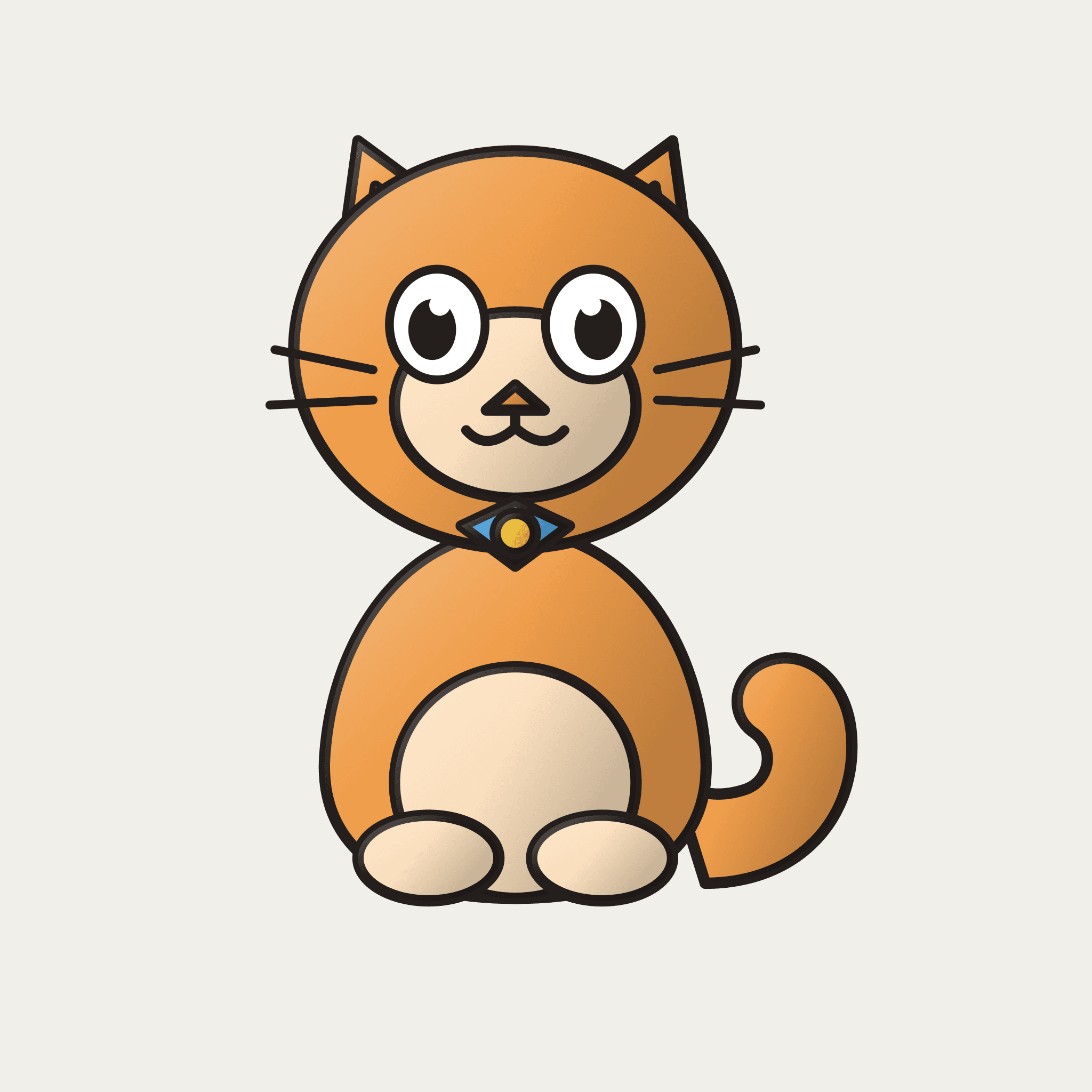 0.01 deep
Flat line art
No shading to read. It gets extruded.
Only have a drawing? Turn on Render as a figurine first — it adds the shading, and costs no credit.
How it works
Four steps, about 90 seconds
- 1
Upload
One object, whole thing in frame.
- 2
Cut out
rembg drops the background.
- 3
Shape
Hunyuan3D-2.1 builds the mesh.
- 4
Texture
The same model paints it, PBR.
Steps 2–4 are open-weight models on a rented L40S — Hunyuan3D-2.1 for shape and texture, rembg for the cut-out. This app is the harness around them.
What you get
A file you own
Private
Yours alone. Nothing is public.
Real .glb
Opens in Blender, Unity, three.js.
Cloud GPU
Close the tab; it keeps going.
Pricing
5 models, free
- 5 generations, free.
- A run that fails or is cancelled gives its credit back.
- No card, and nothing to buy yet.